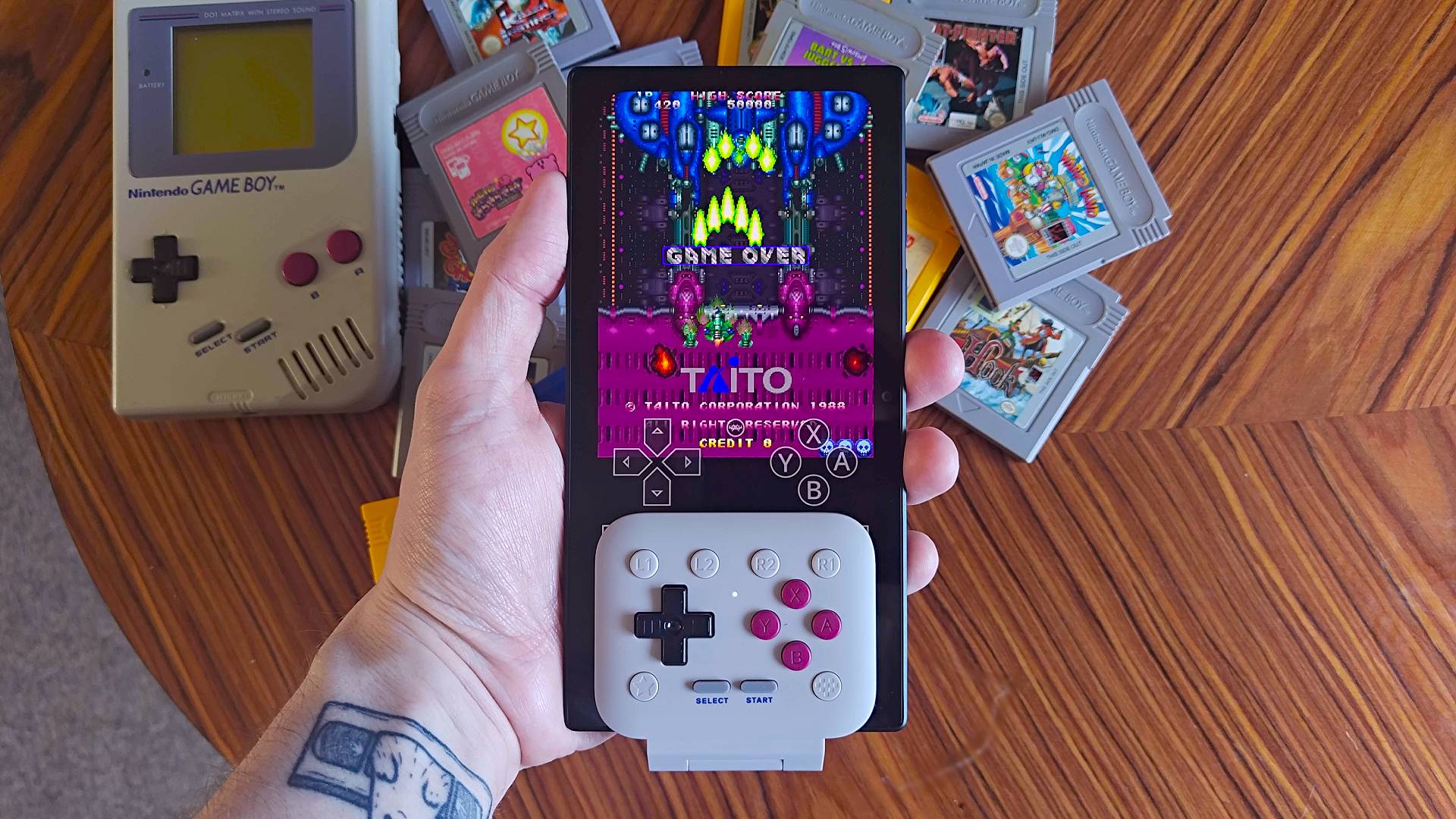
"Looks more like a Long Boi" - I accidentally created a Razer Game Boy using the 8Bitdo FlipPad, and its absurd length is actually great for TATE shmups
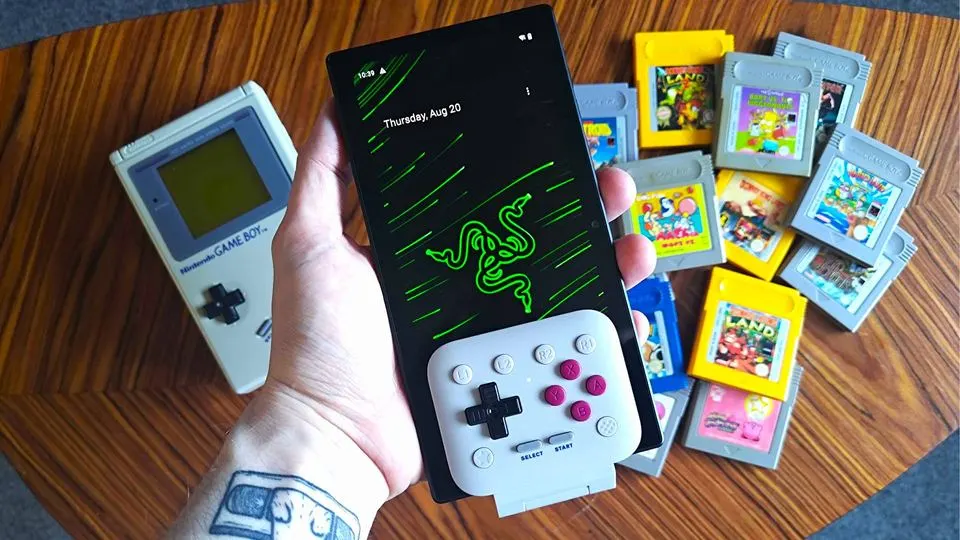
Believe me when I say I didn't wake up yesterday looking to make a Razer Game Boy. Just like most of you, I picked up the 8Bitdo FlipPad to do that to my smartphone, but the tiny hinged controller ended up incompatible thanks to silly design choices with the Asus ROG Phone.
Turn your phone into a more conventional Game BoyI'm really not expecting everyone to hunt down a Razer Edge in 2026 and turn it into a really long Game Boy, but the 8Bitdo FlipPad is now available for $29.99 at Amazon. So long as you've got a USB-C connector on the bottom of your phone, you're ready to turn your doomscroller into a Pokémon machine.
Yes, I'll get to exactly how I created a Razer Game Boy using 8Bitdo's new flippy retro controller. But first, I want to explain how I got here, just in case some sort of retro handheld court wants to hear my story. The short answer is that my daily driver, the Asus ROG Phone 9 Pro, isn't compatible, and upon discovering that unfortunate hiccup on my review path, I started rummaging for something that could accommodate the buttons.
My whole experience using the 8Bitdo FlipPad so far feels like that "Junk Cars" meme. You know, the one often used to depict monstrous Lego creations that deviate from the instructions, preceded by a "We buy junk... Aw man, what's wrong with my car?" Case in point:
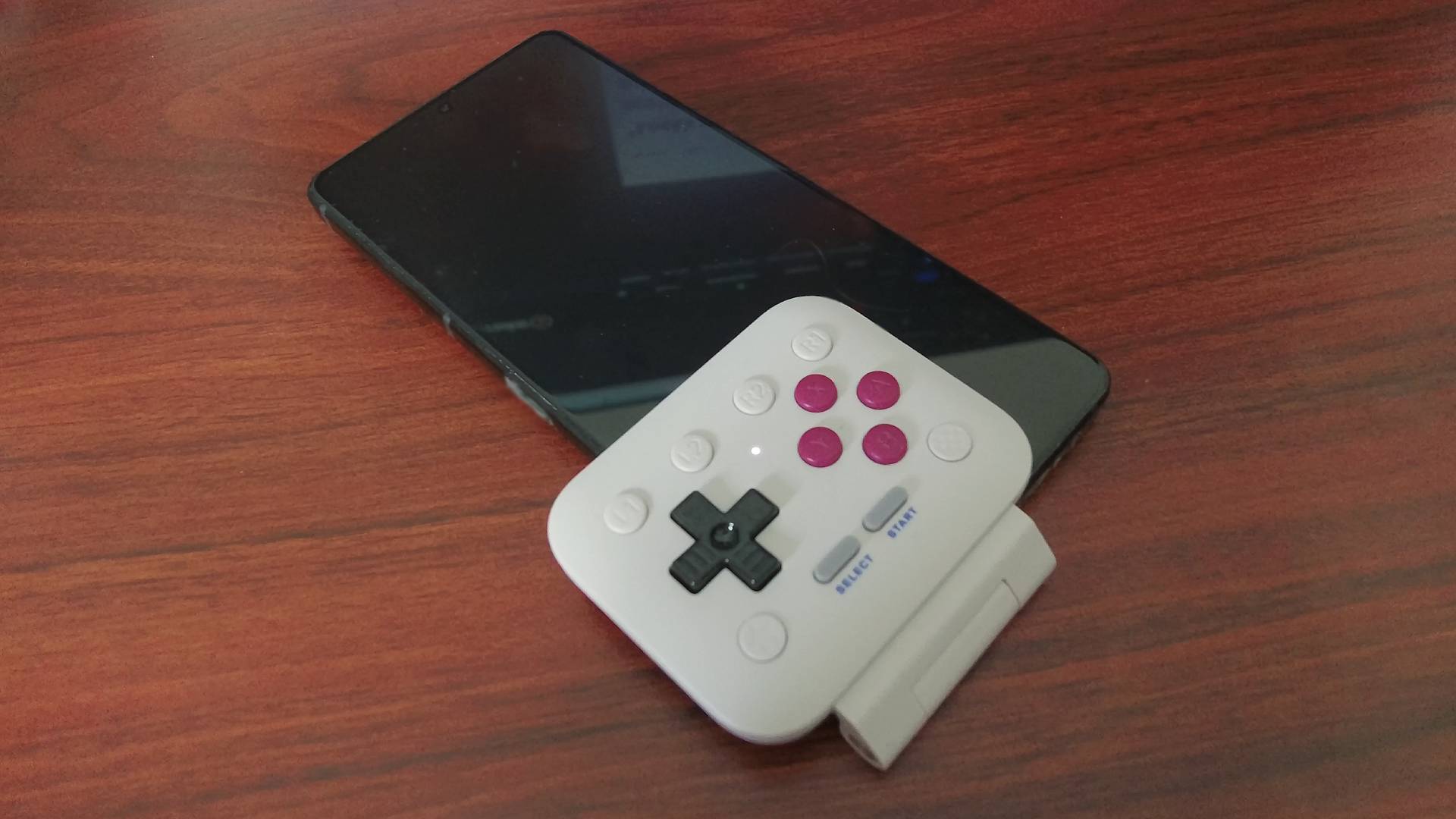
Yes, Asus' daft offset USB-C port means you can't use the FlipPad to turn it into a Pokémon machine. You'll have to stick with the GameSir Pocket Taco if you've got that gaming phone, a sentence that sounds absurd when you say it out loud. What you can easily do, though, is pop 8Bitdo's rival onto the Razer Edge, an Android handheld with a 6.8-inch AMOLED screen, flip it vertical, and you've got yourself a stupidly long, high-spec Game Boy.
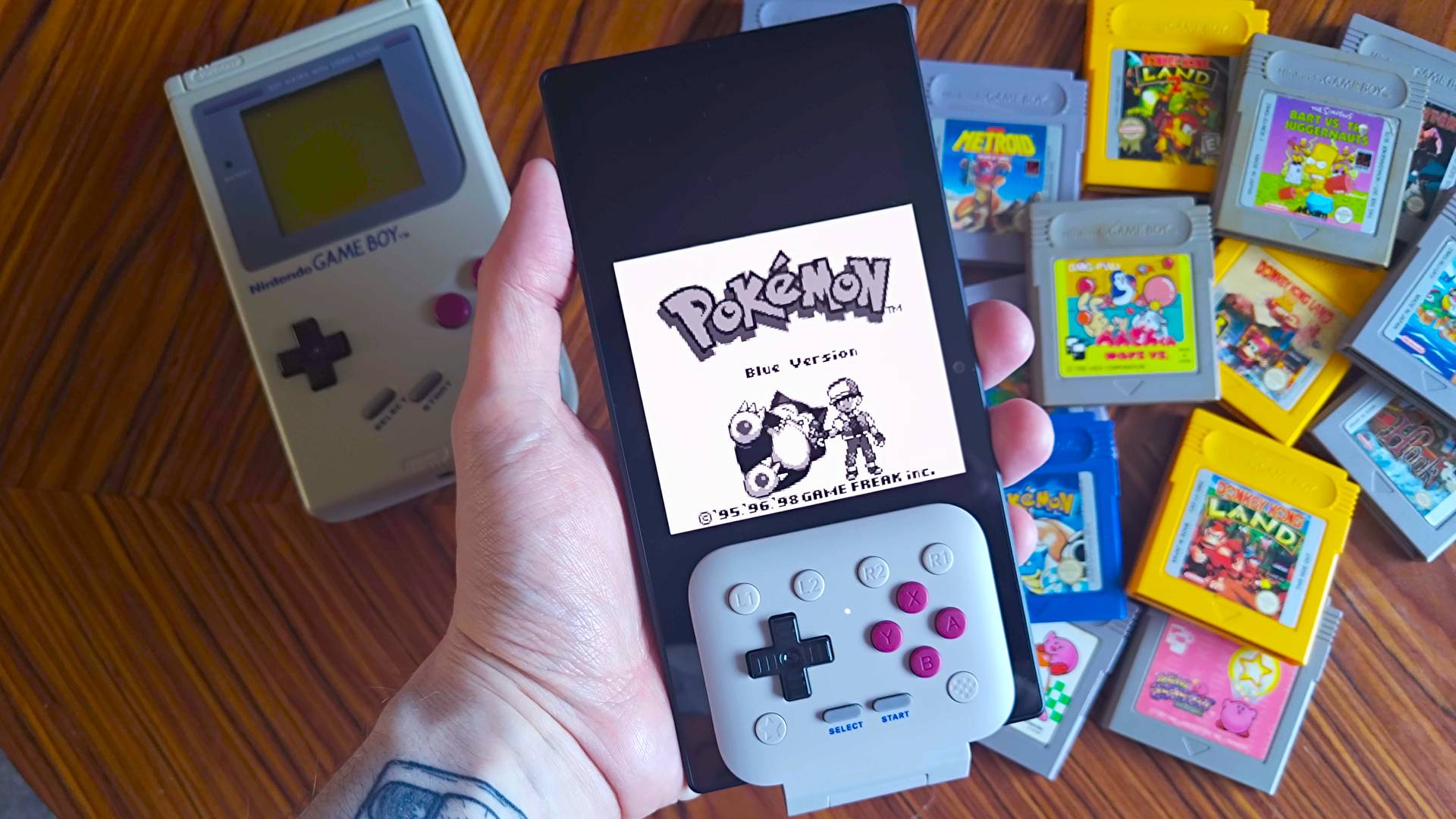
I can already hear an angry mob, gearing up to hunt my Razer Game Boy Frankenstein monster and me. One friend remarked, "Ew, what is that?" while another jabbed at my creation, saying, "Game Boy? Looks more like a Long Boi." In making the questionable decision to pair the FlipPad with the Edge, though, I've actually made a handheld that slaps for 2D romps and uses length to become a solid machine for TATE arcade shmups.
Naturally, having 5 inches of screen length stretching past the 8Bitdo FlipPad feels a little unbalanced. Some handhelds that use an extra-long screen, like the MagicX Zero 40 for Nintendo DS games, give you something to grip onto, but holding the Razer Edge by the buttons on the bottom feels a bit like flipping pancakes.
I'd say the benefits of flipping that 20:9 aspect ratio screen really outweigh the cons, though, as you'll end up with a 4-inch Game Boy play window that's larger than the Analogue Pocket. Plus, the colors and contrast rival my Game Boy Color AMOLED screen mod while tapping into the handheld's 6.8-inch display and 2400 x 1080 144Hz capabilities.
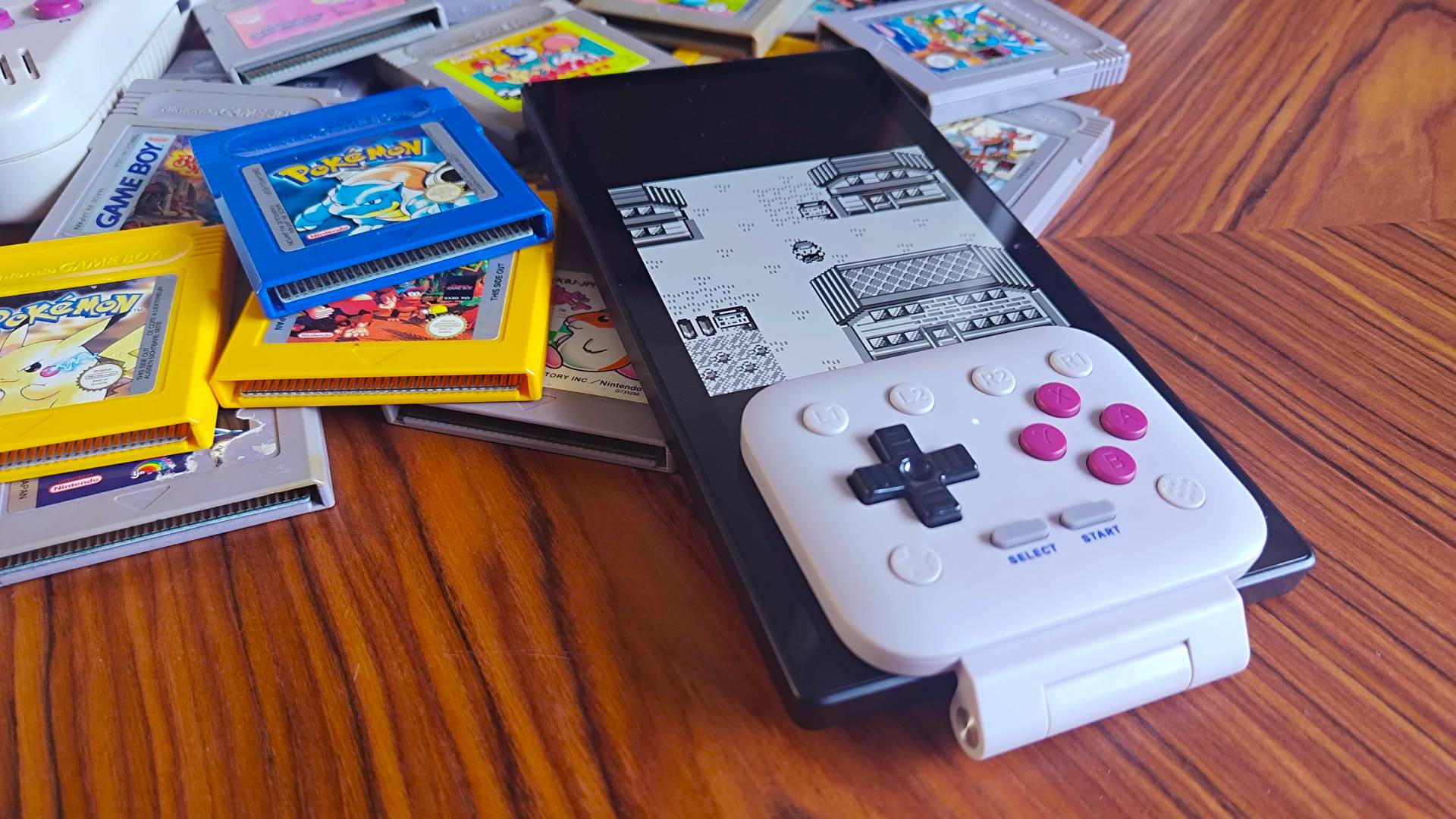
Is using the Razer Edge as a Game Boy overkill? Perhaps, but extra length at the top aside, you'll still end up with a really high-spec vertical handheld if you spin it and use the 8Bitdo FlipPad. As I've already spoiled, its real strengths lie in its natural TATE abilities, as that extra 5 inches is perfect for vertical shmups like Truxton.
The only handheld I can think of that offers up a larger screen for blasting down alien ships in a longer dogfight is the Evercade EXP-R. It specifically boasts a TATE mode while placing two alternative A and B buttons to suit the orientation, and Blaze also sells an optional grip. I'd argue the Razer Edge and 8Bitdo FlipPad provide a really similar experience to that portable, albeit with elevated screen specs.
I'll be giving the 8Bitdo FlipPad proper review treatment over the weekend, and that includes sourcing another smartphone for testing. So far, I'm absolutely delighted at its clicky metal dome switches, satisfying magnetic hinge for retaining full screen access, and its overall feel. On the flip side, I reckon phone compatibility, putting the shoulder buttons on the face, and no real standalone connectivity options will stand as controller cons, and that makes sense given my situation right now.
Swing by the best retro consoles for classic remakes and emulation machines.